
Have you ever rushed out of your house for a busy morning commute, only to freeze at the steering wheel halfway to work? That familiar, nagging question creeps into your mind: Did I remember to turn off the air conditioning? Did I lock the front door? We have all been there. It is incredibly frustrating to spend your day worrying about wasting energy or leaving your home vulnerable. But what if your house could take care of these things for you?
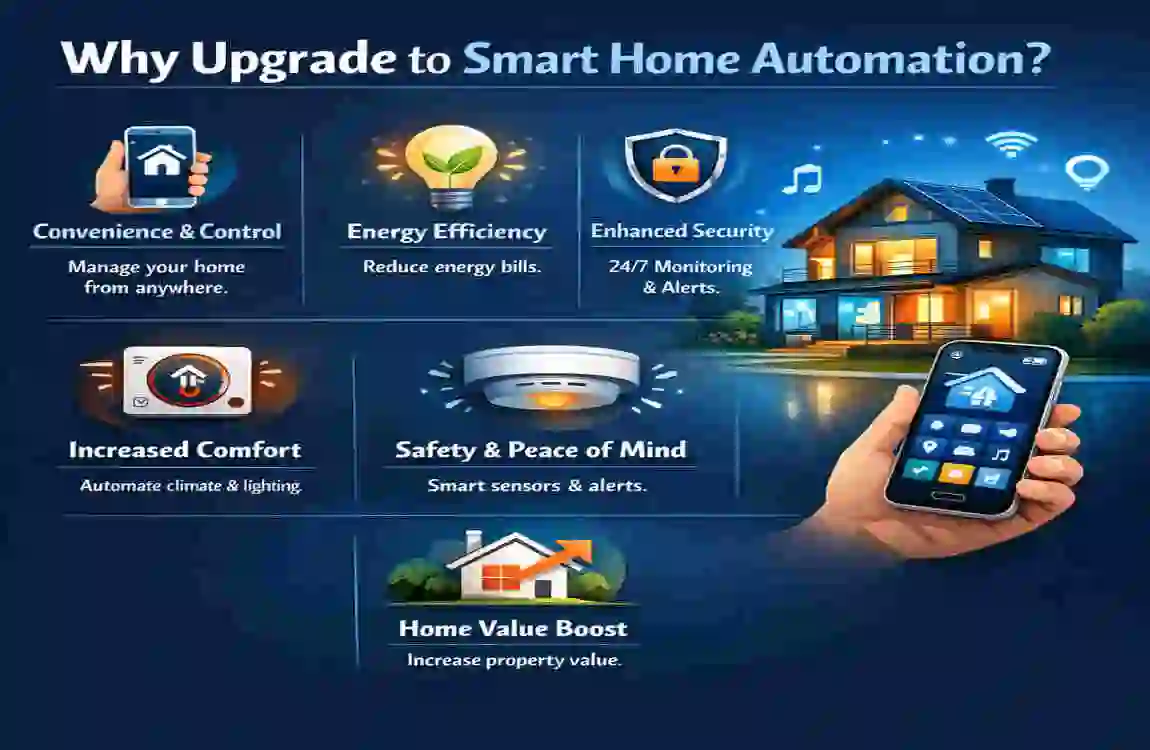
Building a smart home might sound like a project reserved for tech billionaires, but it is actually more accessible today than ever before. By installing just a few foundational technologies, you unlock incredible benefits. You gain unbeatable convenience by controlling your entire house from a smartphone screen. You rack up massive savings by slashing your monthly utility bills. Most importantly, you achieve unparalleled security and peace of mind knowing your family is safe.
Why Upgrade to Smart Home Automation?
If you are wondering why everyone suddenly seems to be talking about smart homes in 2026, the answer comes down to a massive technological breakthrough: the universal Matter standard. A few years ago, buying smart devices was a frustrating guessing game. An Apple device refused to communicate with an Amazon device. A Google camera would not sync with a Samsung lock.
Today, the post-Matter standard adoption era has eliminated that headache. Matter is a universal language that enables all smart devices, regardless of brand, to communicate effortlessly. Because of this incredible leap in compatibility, the industry is booming. Experts are tracking a massive 30% yearly increase in IoT (Internet of Things) adoption. People are finally realizing how easy and beneficial this technology has become.
But what does this mean for you and your specific house? The house-specific perks are truly life-changing. For starters, automating your lights and climate control can reduce your bills by 20-30% every month. Your home stops heating empty rooms and stops lighting unoccupied hallways. Furthermore, your home gains an invisible, 24/7 digital shield that offers greatly enhanced safety for your loved ones.
To help you visualize the massive leap in quality of life, take a look at how a traditional house compares to a modernized, automated house.
Traditional vs. Smart Houses
Feature Category: The Traditional House, The Smart House
Manual control of energy use leads to wasted energy. Heating and cooling run constantly, even when the house is empty. Automated schedules and sensors slash waste. Reducing bills by 20-30% are standard through smart energy management.
Security relies on easily duplicated physical keys. You have no way to know whether a door is unlocked or whether a package has been stolen until you get home. Features AI-powered cameras, biometric locks, and instant smartphone alerts. You monitor your property from anywhere in the world.
Convenience: You must physically walk to every switch, dial, and lock. You manage all routines manually. Voice commands and automatic routines handle the work. Your house automatically prepares itself for your arrival.
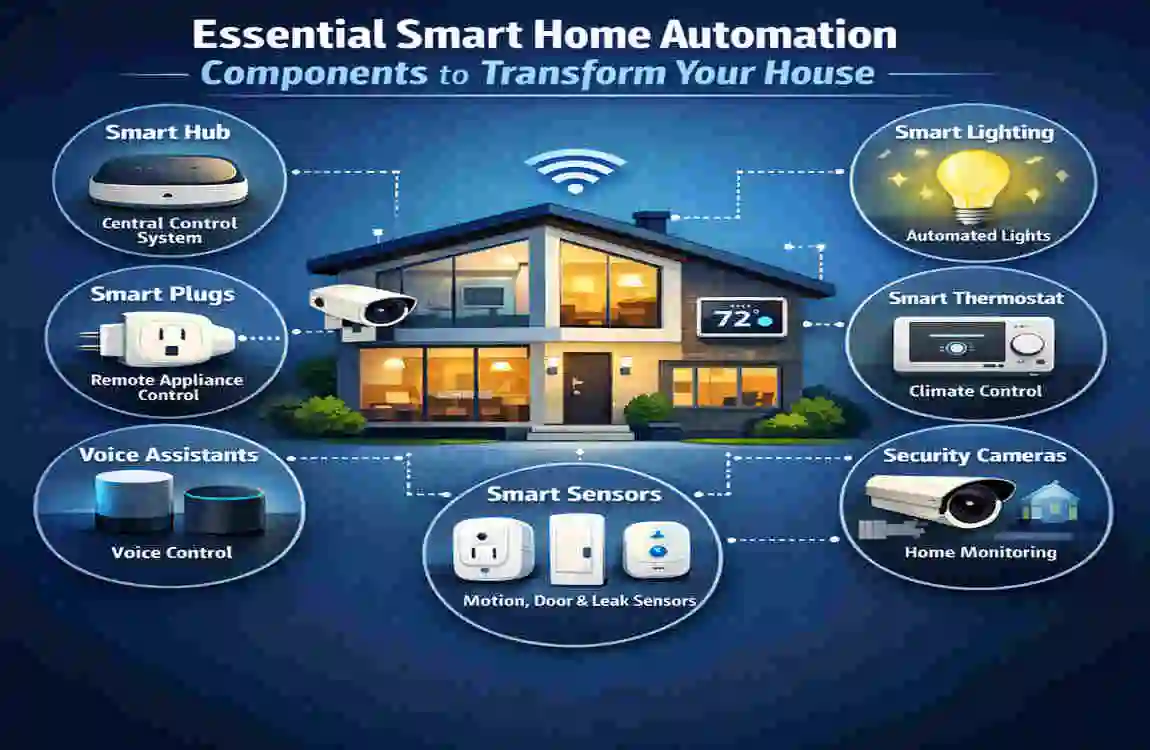
Making this incredible transition is easier than you think. You do not need to tear down your walls or rebuild your home from scratch. It starts simply with mastering the Essential Smart Home Automation Components.
Core Essential Smart Home Automation Components
To make this journey as easy to understand as possible, we have broken down the core components into digestible, easy-to-read sections. Think of these components as the vital organs of your new smart home. By starting with these specific categories, you will build a robust, reliable system that you can easily expand over time. Let’s explore the descriptions, top products, installation tips, and everyday examples for each crucial category.
The Smart Hub: Your House’s Command Center
Every highly functioning team needs a strong leader, and your smart home is no exception. The smart hub acts as the central brain of your entire household. Its primary role is to connect all your disparate devices—like lights, locks, and speakers—using wireless protocols such as Wi-Fi, Zigbee, or Matter.
Without a hub, you would have to open fifteen different apps on your phone to turn off the lights and lock the doors. With a hub, everything is unified. You get a single, beautiful app dashboard on your phone, and you gain the magical ability to use voice control to command your entire house.
When looking at the top picks for 2026, two models stand completely above the rest. The Amazon Echo Hub is a phenomenal, wall-mounted display that instantly organizes all your widgets. Alternatively, the Google Nest Hub (2026 model) offers incredible screen resolution and flawless integration with Google Assistant.
Setting up your new command center is refreshingly simple. Here are the three setup steps to get your hub running:
- Plug in and power up: Find a central location in your home, like the living room or kitchen, and plug the hub into a standard wall outlet.
- Connect to Wi-Fi: Download the companion app (like the Alexa or Google Home app) to your smartphone and follow the on-screen prompts to connect the hub to your home internet router.
- Scan for devices: Use the app to automatically scan your home for existing smart devices, instantly syncing them into a single unified dashboard.
To help you decide which brain is right for your home, review this quick comparison table.
Smart Hub Model, Estimated Price, Best Compatibility Features
Amazon Echo Hub $179 Incredible for Alexa routines; built-in Zigbee and Matter support; sleek wall-mountable design.
Google Nest Hub $149 Flawless Google ecosystem integration; amazing digital photo frame; superb voice recognition.
House Integration Example: Imagine linking your kitchen lights to your dinner routines. With your smart hub set up, you can say, “Dinner time.” Instantly, the hub dims the overhead kitchen lights, turns on a soft LED glow under your cabinets, and starts playing a relaxing jazz playlist on your smart speaker. That is the power of a centralized command center.
Smart Lighting and Bulbs
If you want to experience an immediate, highly visible transformation in your home, you must upgrade your lighting. Smart lighting and bulbs are undeniably Essential Components of Smart Home Automation. But why are they so essential? First, they offer staggering financial benefits. Upgrading to LED smart bulbs can result in energy savings up to 80% compared to traditional incandescent bulbs. Second, they offer total mood customization, allowing you to paint your rooms in millions of different colors.
When it comes to must-have products, Philips Hue remains the undisputed king of smart lighting, offering incredibly rich colors and supreme reliability. If you are looking for a highly stylish alternative, Nanoleaf Essentials offers fantastic geometric designs and brilliant illumination at a very competitive price.
- Total remote control: Turn off the bedroom lights from your office desk miles away.
- Dynamic scheduling: Set your lights to mimic the sunrise, gently waking you up in the morning.
- Incredible longevity: Smart LEDs last for tens of thousands of hours, meaning you rarely have to climb a ladder to replace them.
- Flawless integration with voice assistants: Tell your living room to “turn on movie Mode” and watch the lights dim perfectly.
Thermostats and Climate Control
Heating and cooling usually account for the absolute largest portion of your monthly energy bill. That is exactly why smart thermostats are absolute game-changers. By simply replacing that old, manual dial on your wall, you can make a massive impact on your wallet. A smart thermostat easily cuts heating bills by 15% and cooling bills by similar margins.
The leaders in this space are beautifully designed and incredibly intuitive. The Ecobee Smart Thermostat Premium acts as a stunning piece of wall art while using remote sensors to balance the temperature across multiple rooms. Meanwhile, the Nest Learning Thermostat actively studies your daily habits. It learns when you go to work and when you sleep, building an automatic schedule that saves energy without sacrificing your comfort.
For a true home focus, aim for zoned control in multi-room homes. By placing remote temperature sensors in your bedroom, living room, and basement, the thermostat ensures the rooms you are actually using are comfortable, rather than wasting energy heating an empty guest room.
Performing energy audits via your smartphone app is easier than ever. Follow these simple steps:
- Open your thermostat’s companion app and navigate to the “Energy History” or “Impact” tab.
- Review the colorful graphs showing exactly how many hours your HVAC system ran each day.
- Look for the “Eco” leaf icon to see exactly when the system saved you money, and adjust your base schedule to maximize those green zones.
Security Cameras and Locks
Whether you live in a quiet suburb or are focused on protecting Lahore homes from urban theft, security is a universal human priority. Modern smart security devices offer an invisible fortress around your property. The key features of these modern devices include 4K AI detection, which means the camera can distinguish between a neighborhood stray cat and a potential intruder, and complete remote access.
The absolute essentials for upgrading your home’s defense start at the front door. The Ring Doorbell Pro 2 offers head-to-toe video coverage, allowing you to see exactly where packages are dropped. Pair this with the Yale Assure Lock 2, a sleek smart lock that lets you ditch your bulky keychain. You can unlock your door with a simple fingerprint tap, a passcode, or automatically via your phone’s Bluetooth.
When choosing cameras, you will need to decide how to power them. Here is a quick breakdown of your options:
Power Option Pros and Cons: Best Use Case
Wired Cameras Never run out of battery; record 24/7 continuously. Harder to install; requires running cables through walls—permanent fixtures over driveways and main entryways.
Wireless (Battery) Cameras: Incredibly easy to install anywhere; flexible placement. Batteries need recharging every few months; they usually only record events—renters, or mounting on distant trees and fences.
Scenario: Imagine you are at the office, and a delivery driver arrives at your home. Your Ring Doorbell sends a rich notification to your phone. You see the driver in stunning 4K resolution. You use two-way Audio to say, “Please leave the package inside.” You tap a button on your app to unlock the Yale Assure Lock, watch the driver place the box inside, and then lock the door the moment they step out. That is ultimate peace of mind.
Smart Appliances and Plugs
You do not have to replace your entire kitchen to make your home intelligent. You can start small with smart appliances and plugs that are incredibly effective. These small additions are total game-changers for your daily routines.
Wi-Fi plugs, like the highly reliable TP-Link Kasa, are brilliant little adapters. You plug them into a normal wall outlet, and then plug your “dumb” appliances—like a coffee maker or a living room fan—into the adapter. You can instantly control that appliance from your phone or set it on a timer.
On the appliance side, robot vacuums have evolved tremendously. The iRobot Roomba j9+ not only vacuums and mops your floors with flawless precision, but it also uses AI to avoid pet accidents and stray charging cables. It even empties its own dustbin.
The Return on Investment (ROI) for these devices is measured in time saved. Imagine using smart plugs to automate your laundry room iron so it never gets left on by accident, or scheduling your robot vacuum to clean the house the moment you leave for work. You reclaim hours of your week.
Advanced Integrations for Full House Transformation
Once you have installed your Essential Smart Home Automation Components, the real magic begins. You unlock the ability to make your devices talk to each other, creating a symphony of automation. This is where your house graduates from being just a collection of cool gadgets to a truly intelligent, proactive living space.
The most powerful tools at your disposal are scenes and routines. A routine is a single command that triggers multiple actions simultaneously. For example, imagine setting up a “Good night” Mode. When you crawl into bed and say, “Good night, house,” a cascade of events unfolds. Your smart hub turns off every light in the house, locks the front and back doors, lowers the thermostat to a cool sleeping temperature, and arms the security cameras. You never have to leave your bed to secure your home.
This is all made possible by seamless integration with modern voice assistants. Whether you prefer Alexa, Google Assistant, or Apple HomeKit, you have a digital butler at your beck and call. These assistants process your natural language, so you do not need to memorize strict robotic commands. You can say, “It’s a bit chilly in here,” and your assistant will know to bump up the thermostat.
For the environmentally conscious homeowner, advanced energy management offers incredible possibilities. You can now establish solar tie-ins with smart panels. By connecting your smart home hub to a modern solar array, your house can automatically detect when electricity rates are highest during peak hours. The house will automatically switch to using stored solar battery power, saving you hundreds of dollars each year without you ever lifting a finger.
Ready to push your home to the next level? Here is a numbered list of five incredible house-wide automation ideas you can set up today:
- The Vacation Illusion: Set your indoor smart lights and a smart plug attached to a TV to turn on and off randomly between 7 PM and 11 PM. To an outside observer, your house looks completely occupied, deterring potential burglars while you are on holiday.
- The Guest Mode: Create a simple voice command like “Welcome guests.” This routine instantly unlocks the front door, turns on the porch lights, adjusts the living room lighting to a warm, inviting glow, and plays upbeat background music.
- The Morning Commute Prep: Tie your smart hub to your morning alarm. When you wake up, the coffee maker starts brewing (via a smart plug), the bathroom floors begin to heat up, and your smart speaker reads you the local traffic report.
- The Window Weather Shield: Connect smart motorized window blinds to a local weather app. When the app detects that the afternoon sun is creating sweltering heat, the blinds automatically lower to keep the house cool and reduce your AC load.
- The Laundry Alert: Use a vibration sensor attached to your washer and dryer. When the machine stops vibrating, your smart hub sends a text to your phone and flashes the living room lights blue, letting you know it is time to switch the laundry.
If these advanced routines sound amazing but a bit too technical to set up yourself, do not worry. Upgrade with our certified installers today. Our team of home automation systems experts can wire and program your entire house in a single afternoon.
Choosing and Installing Essential Smart Home Automation Components
When it comes time to purchase your gear, following a simple buyer’s guide will help you avoid costly mistakes. First, establish a realistic budget. You do not have to spend a fortune to get started. There are plenty of fantastic starter kits available for under $500 that include a hub, a few lights, and a smart plug.
Second, always consult a compatibility checklist. Before checking out, look for the “Matter” logo on the box. If you see it, the device will work with almost any system. If not, make sure the box explicitly states it works with your preferred ecosystem (e.g., “Works with Alexa” or “Works with Apple Home”).
Next, you must decide between the DIY and Pro routes. Many devices, like smart bulbs and countertop smart hubs, are incredibly easy to install yourself. If you can screw in a lightbulb or plug in a toaster, you can install them. However, when it comes to hardwired smart switches, complex thermostat wiring, or mounting heavy cameras to brick exteriors, we highly recommend pros for wiring. Messing with your home’s electrical panel is dangerous. Let a licensed technician handle the high-voltage work.
To help you budget, here is a comparison of typical kits:
Kit Type, Estimated Cost, Typical Components Included, Best For
Starter Kit $250 – $500 1 Smart Hub display, 2-4 smart LED bulbs, 1 smart plug, 1 entry-level video doorbell. Apartment renters or those wanting to test the waters of home automation.
Premium Kit $1,500 – $3,000+ Advanced hub, whole-house lighting, smart thermostat, 4K camera system, biometric smart locks, professional installation. Homeowners want a complete, immediate, and fully integrated lifestyle upgrade.
Challenges and Solutions
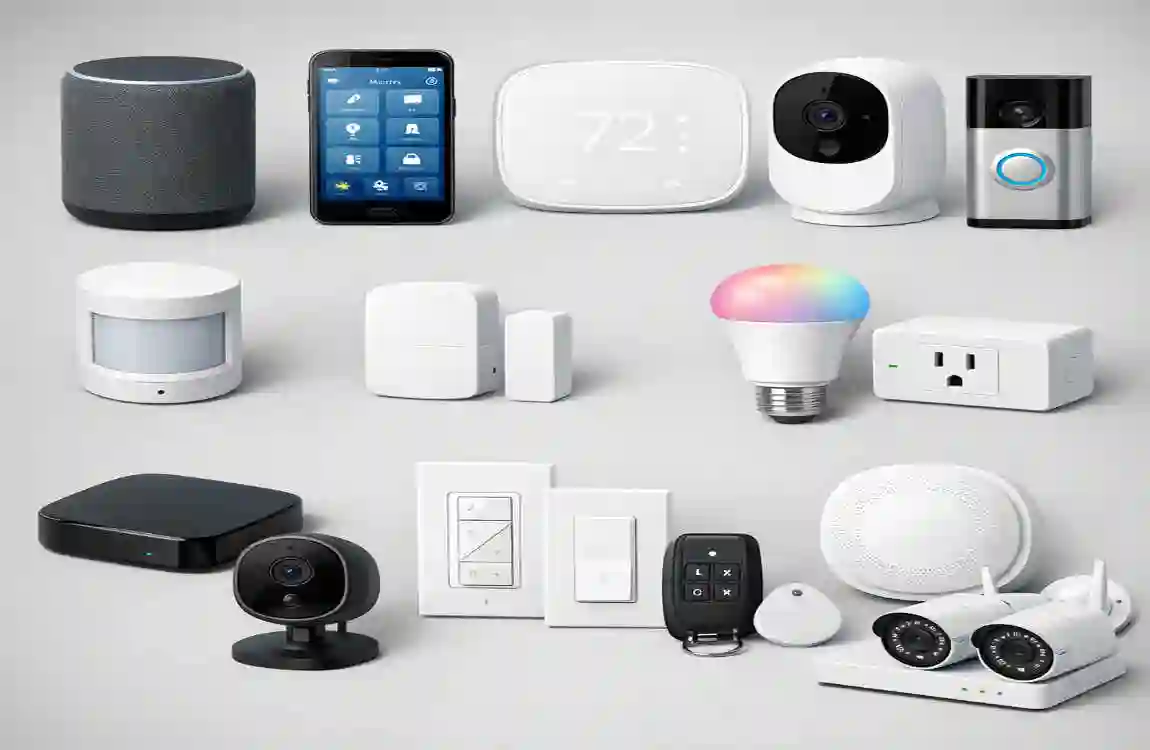
Even the most advanced technology can occasionally run into hiccups. It is important to be aware of common issues so you can solve them quickly. The most frequent complaint in the smart home world is Wi-Fi interference. When you add 20 new smart devices to an old router, the signal can drop, leaving devices unresponsive. The second major hurdle involves privacy concerns, as homeowners worry about hackers accessing their cameras or data.
Fortunately, the fixes for these issues are straightforward and highly effective. To cure Wi-Fi dead zones and interference, upgrade your home internet to a modern Mesh network. Systems like Eero or Google Nest Wi-Fi blanket your entire house with a strong, uninterrupted signal, ensuring your outdoor cameras and basement lights stay connected.
To address privacy, you need to enforce strict encryption settings. Always enable Two-Factor Authentication (2FA) on your smart home accounts. This ensures that even if someone guesses your password, they cannot access your cameras without a unique code sent to your personal phone.
FAQ Section
What are the Essential Smart Home Automation Components?
The most essential components include a central smart hub (such as an Amazon Echo or Google Nest), smart lighting (LED bulbs and switches), climate control (smart thermostats), security devices (video doorbells, smart locks, and cameras), and smart appliances (Wi-Fi plugs and robot vacuums). Together, these form the foundation of an automated home.
How much does it cost to automate a house?
The cost is highly scalable based on your needs. A basic setup for a small apartment can cost between $500 and $1,000. If you want to automate a large, multi-bedroom house with Premium cameras, integrated thermostats, and professional installation, you should budget between $2,500 and $5,000.
Are they compatible with existing homes?
Yes, absolutely! Modern smart home technology relies heavily on wireless technology. You do not need to tear open your walls to run new data cables. Devices communicate over Wi-Fi, Zigbee, and the Matter protocol. You replace your existing bulbs, locks, and thermostats with smart versions.
Are these systems best for Lahore houses?
Yes. When looking at what is best for Lahore houses, you must factor in intense summer heat and varying humidity levels. We recommend installing humidity-resistant camera models and robust smart thermostats designed to optimize heavy air conditioning loads. These devices are perfectly suited to manage the climate and security demands of major urban centers like Lahore.
